Journey Planning
Before designing screens, we map the task and the decisions around it. The flow shows how someone signs in, gets started and completes an important action, including the information needed and the points where they might need help.


A useful app makes the next action easy to find, whether someone is signing up or returning to a task. We design mobile journeys, interfaces and prototypes, then organise the components and notes your developers need to build them.
Discuss your project
From the first discussion to the final files, these are the main parts of the work. We shape the project around what your team needs.
Before designing screens, we map the task and the decisions around it. The flow shows how someone signs in, gets started and completes an important action, including the information needed and the points where they might need help.
We design the screen layout, navigation and controls around real mobile content. That includes smaller devices, longer labels and the feedback people see after an action, so the interface remains understandable when the simple example becomes a real task.
A clickable prototype lets your team try the journey before development begins. We connect the priority screens and states so you can review the sequence, spot missing information and discuss how the experience should behave with the people building it.
Developers need to understand what happens between the screens as well as what each screen looks like. We organise components, assets and interaction notes, covering loading, empty and error states alongside the main journey and its important edge cases.
These are the changes we design towards and the questions we use to review the work together.
Help new users understand what the app offers and how to begin. Onboarding and first-use screens explain the immediate task, the information needed and how someone can tell they have completed the setup.
Keep frequent actions within a familiar, readable structure. We organise repeated actions and navigation around realistic mobile use, checking the hierarchy when space is limited or content becomes longer.
Put instructions and consequences beside the action they affect. The relevant screens explain what an action changes, what information is required and whether someone needs to confirm a sensitive decision.
Design recovery paths for missing information, failed requests and unfinished tasks. We include the states around failed requests and missing data, with the next available action shown rather than an unexplained dead end.
Use shared patterns so the next feature feels part of the same product. Component rules and navigation patterns give later screens a consistent foundation, with exceptions recorded for the team building and maintaining them.
A prioritised list of the jobs users need to complete and the situations in which they occur.
A view of navigation and the main areas of the app, with related information grouped together.
Step-by-step journeys for the agreed tasks, including key decisions, dependencies and alternative paths through the app.
Early screen layouts to review information and actions before the team commits to detailed interface styling.
Reviewed screens showing content hierarchy, controls and important states across the agreed parts of the app.
A connected demonstration of the priority flows for stakeholder review or separately scoped usability testing.
Reusable interface elements and variations that support consistency across the screens included in the project.
Notes showing loading, empty, error and confirmation behaviour, alongside relevant validation and permission requirements.
An organised design package with assets, interaction notes, decisions and questions for the development team.
You bring the context of your business. We bring the design work into the conversation early, with clear review points and a shared record of decisions.
Discuss your projectWe agree the audience, purpose and constraints before exploring directions.
Your team knows who supplies information, reviews decisions and approves the work.
We show work in progress with the questions each review needs to answer.
Agreed files, decisions and open questions stay together for the next team.
We agree the approach with you before starting, then keep the work and the decisions visible.
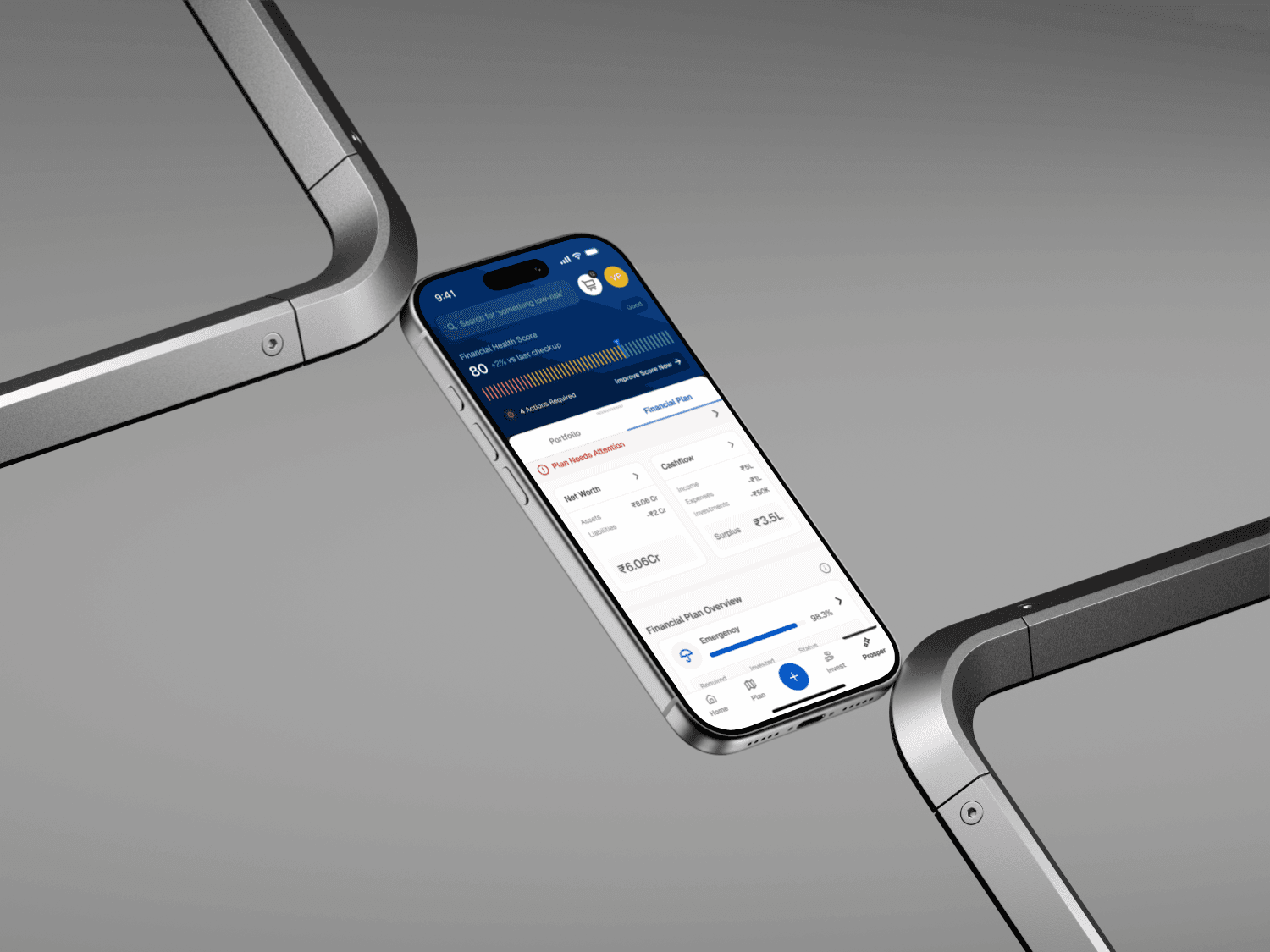 Fincart. A connected mobile experience for financial planning, investing, and tracking progress.Mobile appProduct design
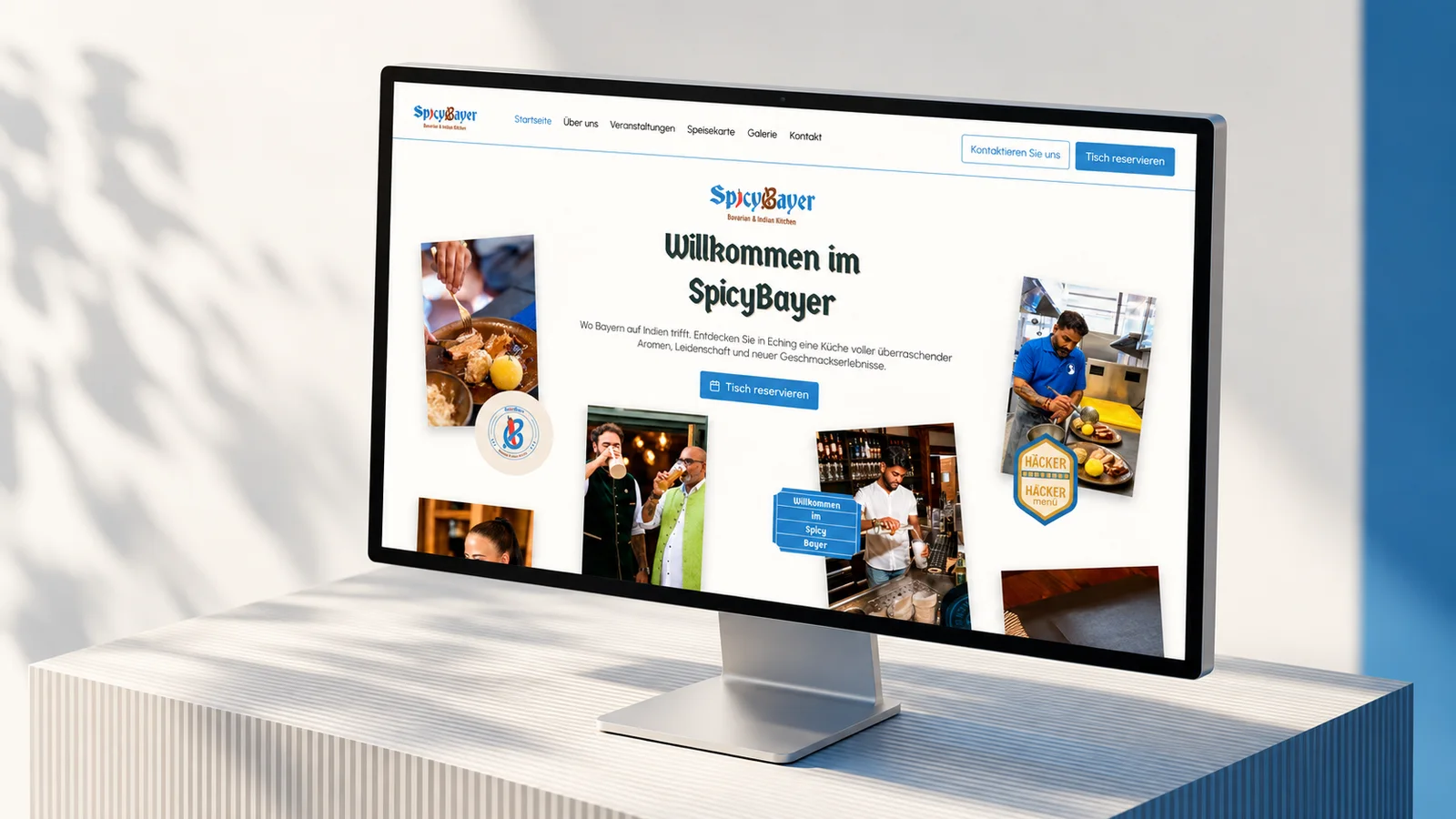 Case Study LockedSpicyBayer. A warm website for a Bavarian, Indian and Tamil fusion restaurant.RestaurantWebsite design
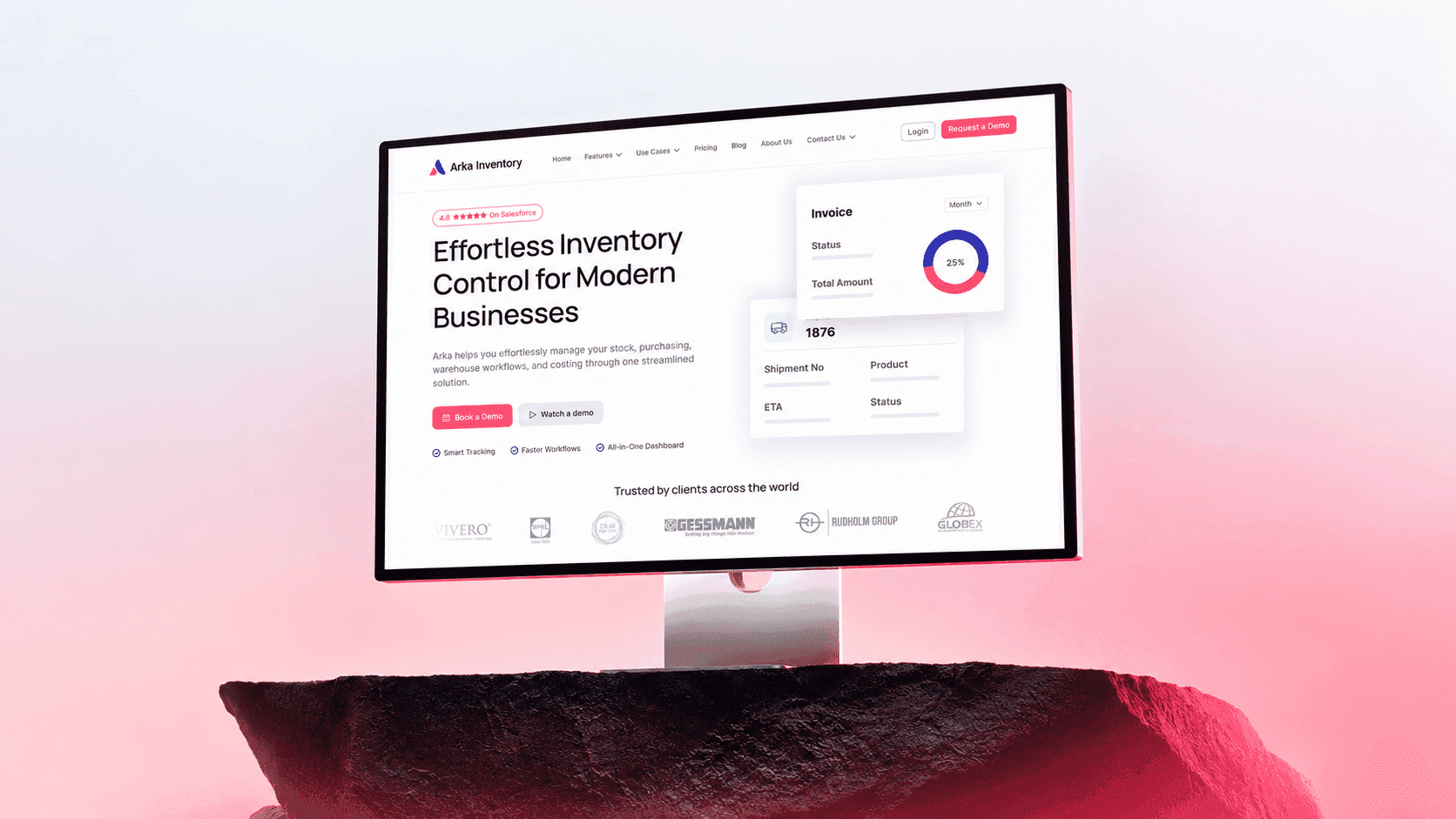 Arka Inventory. A refreshed website for an inventory management platform.Inventory managementWebsite design
 Maya. An explainer that introduces an AI-powered hiring platform.AI hiringExplainer video
This service covers mobile app design. We agree development responsibilities separately and can work with the engineers already on your project.
Yes, we can start with a specific journey and review what people find difficult before deciding the redesign scope.
A prototype can support usability testing of agreed tasks. We define the research questions, participants and testing scope with your team. Testing can inform a design decision before a full build, with limitations recorded alongside the observations that support each finding.
We review the scope, the material already available and the people needed to deliver it. The proposal sets out deliverables, responsibilities and fees before work begins. Additional work is discussed separately.
The schedule depends on the scope, dependencies and review process. We agree the stages and what your team needs to provide before setting a delivery plan, rather than applying the same timeline to every project.
Yes. We can agree a scope around your internal team or existing partners, including who supplies information, who approves decisions and who owns implementation after the design work is handed over.
We hand over the agreed files and documentation, with a record of any remaining questions. Launch support, ongoing production or future changes are included only where they have been agreed in the project scope.
We agree review stages and the person responsible for consolidating feedback before starting. Each review has a decision to resolve, and changes outside the agreed scope are discussed before additional work begins. For a mobile flow, feedback should cover the task sequence and the states around it as well as the screen layout. Flag missing rules before preparing notes and assets.
Tell us about the product, website or brand. An unfinished brief is welcome.
Start a project