Build A Design System From The Product You Have
Start with repeated decisions, give them useful names and test the system on real pages.
- For
- Designers and frontend teams
- Level
- System building
- Steps
- 5
Audit A Real Slice Of The Interface
Collect a representative set of screens, including forms, navigation, tables and feedback states. Compare repeated decisions such as spacing, type, colour and button behaviour. Note where differences serve a purpose and where they appear accidental. Choose one frequently used flow as the first proving ground. A useful system begins with the work your product needs to do, so you can postpone patterns that have no current application.
Name Tokens By Their Job
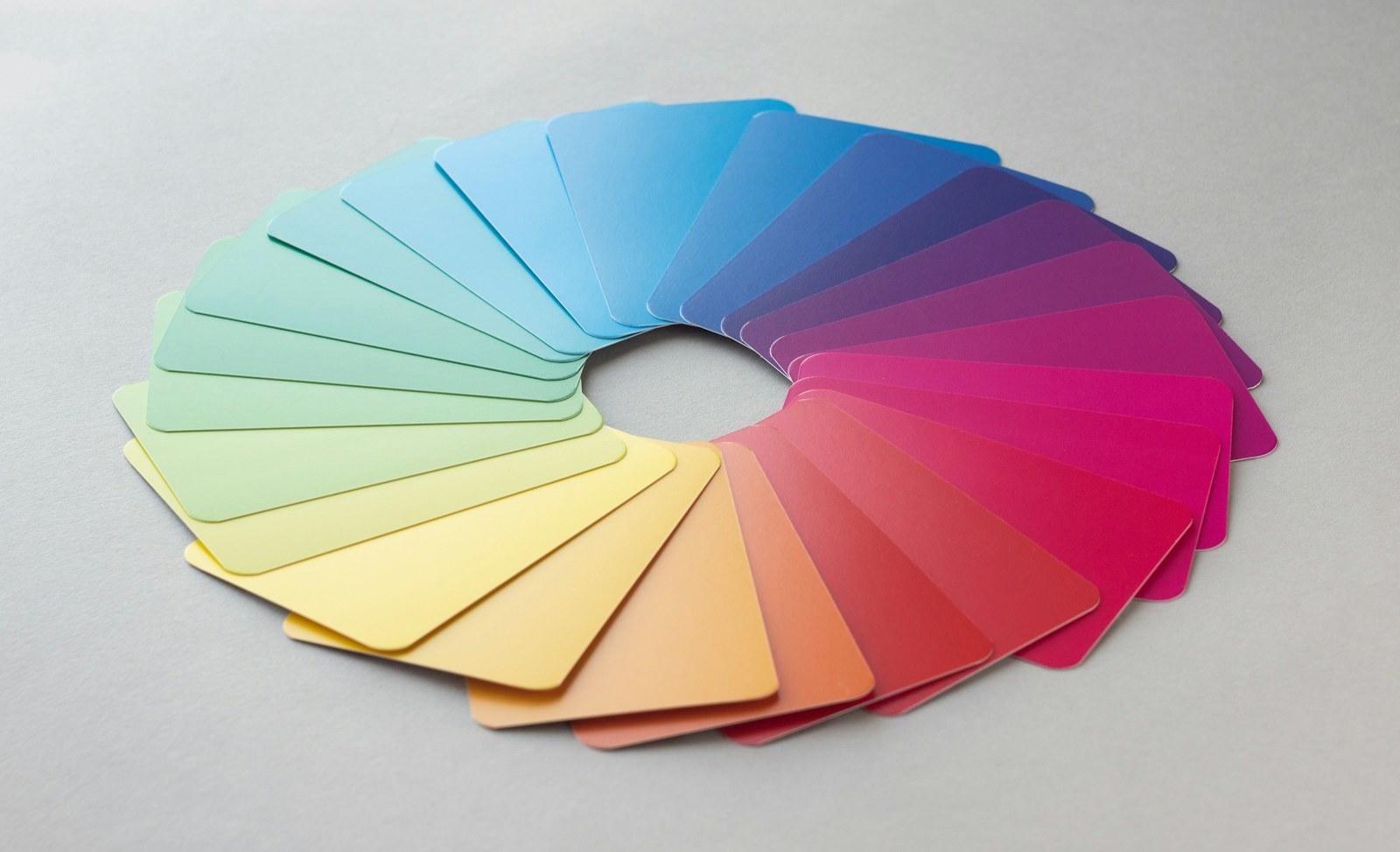
Separate raw values from the roles they serve. A neutral colour value can feed a surface token, while a text token describes its intended use. Use names that help someone choose the right value without memorising a palette. Document the light and dark assignments together. The Design Tokens Community Group publishes an exchange format; adopting shared naming and ownership still requires decisions inside your team.
Specify Components Beyond The Happy Path
For each component, document its purpose, anatomy, content rules and supported states. A field needs a label, instructions, validation and an accessible error relationship. A button needs keyboard focus and a clear disabled state where applicable. Define which variations are supported and which require a different component. Check contrast and behaviour in context, because a component gallery alone cannot demonstrate that a complete page is accessible.

Build And Review One Complete Flow
Use the proposed tokens and components to rebuild the chosen flow. Look for missing patterns, awkward content lengths and exceptions created by real data. Compare the design file and implementation together at narrow and wide widths. Test keyboard navigation, zoom and error recovery. When a component changes, review its existing uses before accepting the change. This gives the system a practical feedback loop before it expands across the product.
Give Maintenance An Owner
Create a contribution path that explains how someone proposes a change, who reviews it and how updates reach users of the system. Record decisions and examples alongside the component. Keep deprecated patterns visible until teams have a migration path. Agree a small release note format covering the reason, affected components and required action. Measure adoption through actual product use rather than the number of components collected in a library. Start with a small set of changes your team can adopt, then use product feedback to decide which patterns deserve attention next. Include a named reviewer and an example with each proposal.